
Como você tem certeza que o antivírus instalado no seu computador é eficiente? O KVRT (Kaspersky Virus Removal Tool) pode te ajudar nisso.
A melhor maneira de fazer isso é realizar varreduras online. A varredura online permite que o mecanismo de detecção de outros antivírus rastreie todos os arquivos do seu computador em busca de algum malware que esteja instalado e que não foi identificado pelo antivírus que você está utilizando.
A vantagem de realizar varreduras online é que você não precisa desinstalar seu antivírus para executá-las. Basta você baixar, instalar e executar essas varreduras online, e em alguns minutos ela informa o resultado obtido, além de remover malwares que possam estar no seu computador.
A única desvantagem da varredura online é que ela não serve para proteger o computador: ela apenas detecta e elimina malwares já existentes – algo excelente para manter seu computador limpo e também definir se você precisa substituir seu antivírus por outro melhor.
Existem várias varreduras online, sendo que eu detalho cinco delas nas primeiras aulas dos meus cursos de manutenção: KVRT (Kaspersky Virus Removal Tool), TrendMicro HouseCall, ESET Online Scanner, Emsisoft Emergency Kit e Malwarebytes Premium.
Nesse artigo eu abordo como testar seu antivírus com o KVRT (Kaspersky Virus Removal Tool).
A Kaspersky tem um dos melhores antivírus do mercado, e essa varredura online é ideal para você saber se o seu Windows está infectado, utilizando para isso a varredura online da Kaspersky que detecta e remove malwares que o seu antivírus não detectou.
O Kaspersky Virus Removal Tool detecta e remove malwares do computador do usuário, mas ele tem uma importante diferença com as demais varreduras online: enquanto as demais varreduras online abordadas nesse artigo baixam o banco de dados de malware mais recente assim que elas são executadas (permitindo detectar os malwares mais recentes), o KVRT não baixa nenhum banco de dados.
Com isso, para você garantir que esteja utilizando a versão mais recente do Kaspersky Virus Removal Tool, é fundamental que você acesse a página oficial do KVRT e baixe a versão disponível ali para garantir uma maior eficiência na detecção e remoção de malwares.
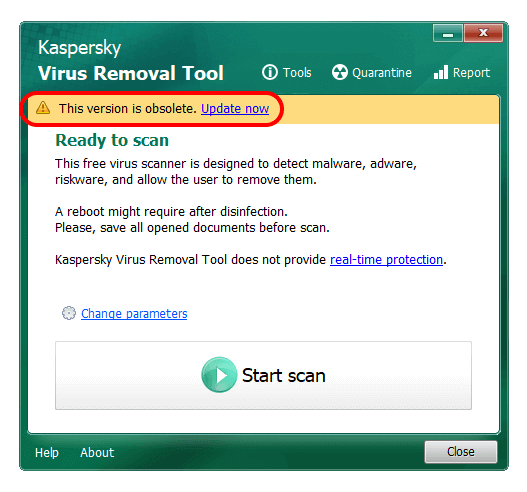
Se você executar uma versão mais antiga, aparecerá essa mensagem ao executá-lo. Nesse caso clique em Update now e baixe a versão mais recente dele.
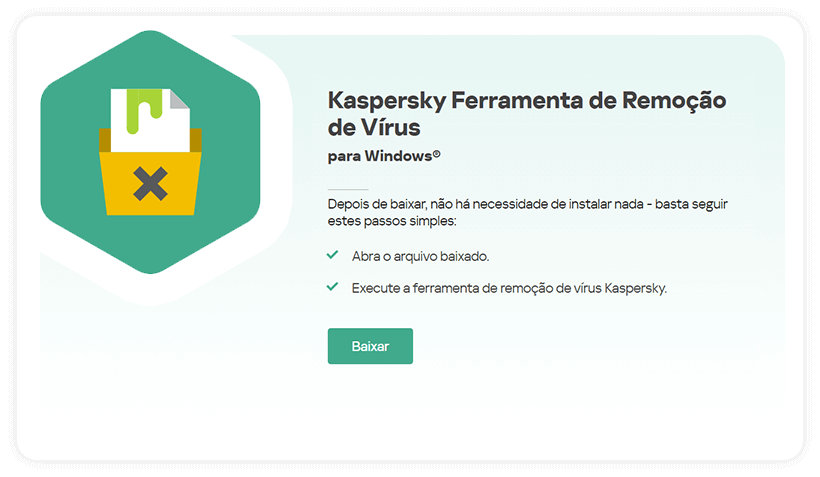
1. Baixe-o diretamente do site da Kaspersky clicando na imagem ou no botão abaixo:
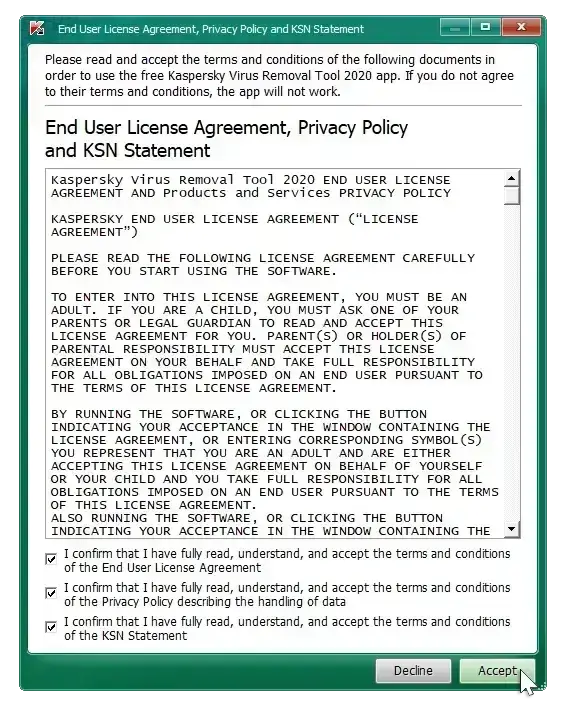
2. Ao executá-lo, aceite os Termos de Uso e clique em Accept:
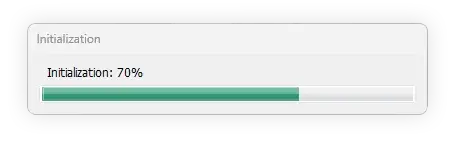
3. Clique em Change parameters para mudarmos a configuração dele:
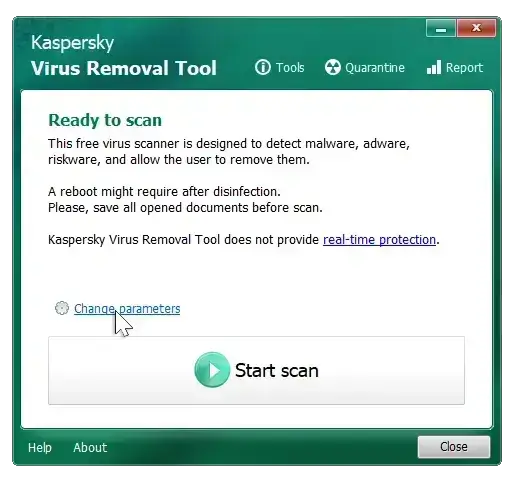
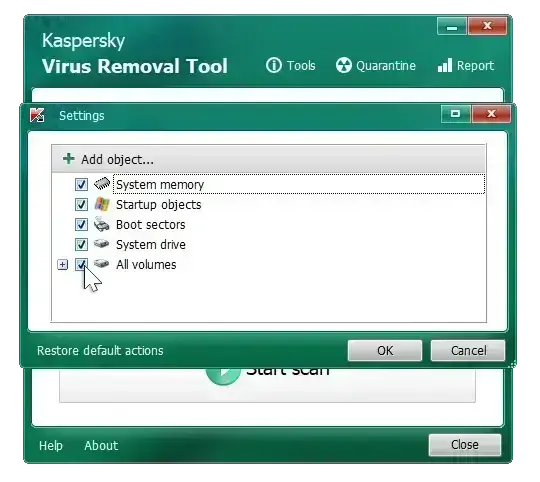
4. Ali garanta que todas as opções estejam selecionadas e clique em OK:
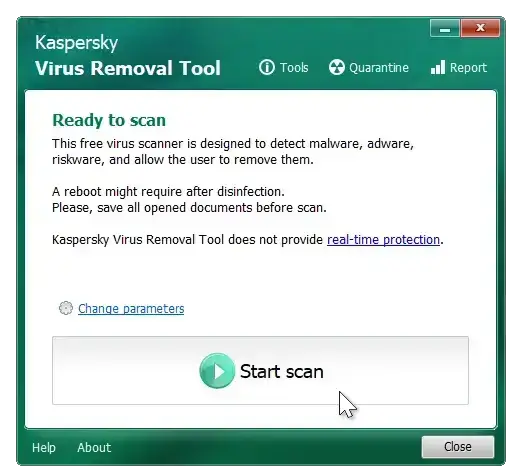
5. Agora clique em Start Scan e a varredura iniciará:
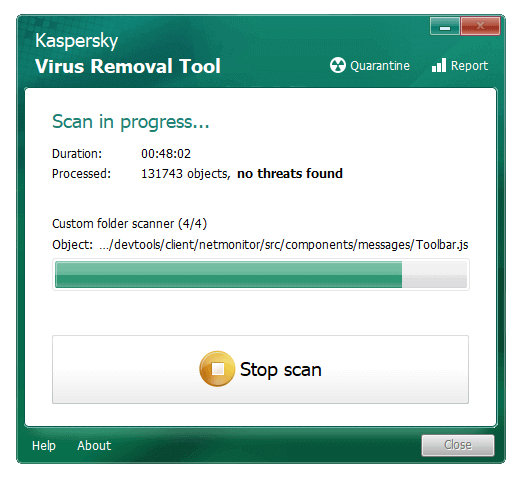
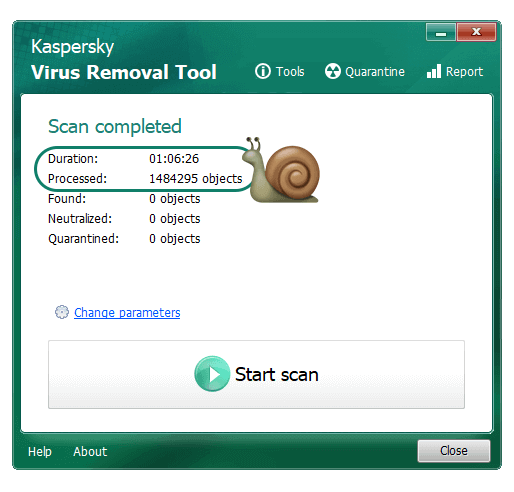
6. SEJA PACIENTE pois a varredura demora, pois ele analisará TODOS os arquivos do seu computador – e não é incomum existirem mais de um milhão de arquivos individuais:
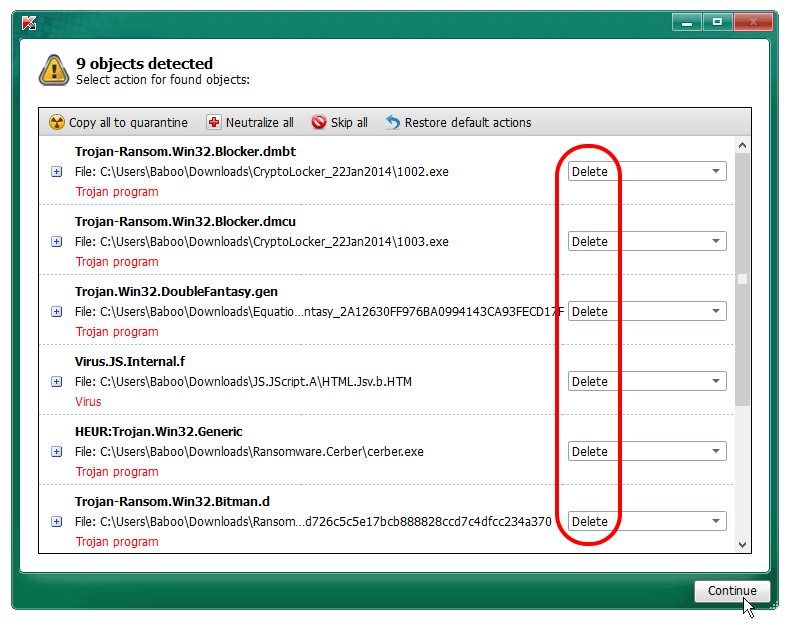
Se ameaças foram encontradas, a tela abaixo aparecerá com todas elas. Confirme que a opção Delete esteja selecionada em todas as ameaças e clique em Continue:
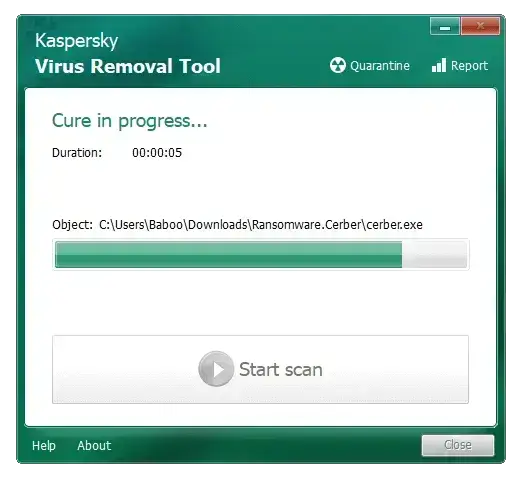
No final todas as ameaças serão removidas:
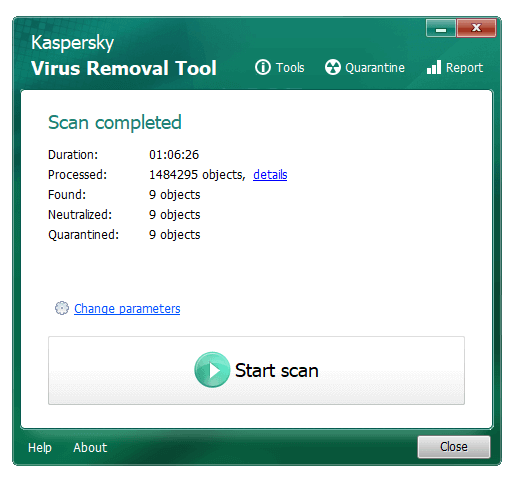
Se você quer restaurar algum arquivo malicioso que foi apagado, você deve clicar em Quarentena:
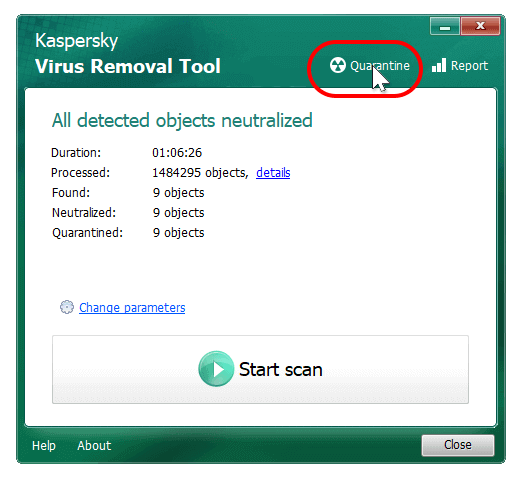
Agora clique no arquivo que você deseja restaurar ou tecle CTRL+A para selecionar todos, e depois clique no botão Restore:
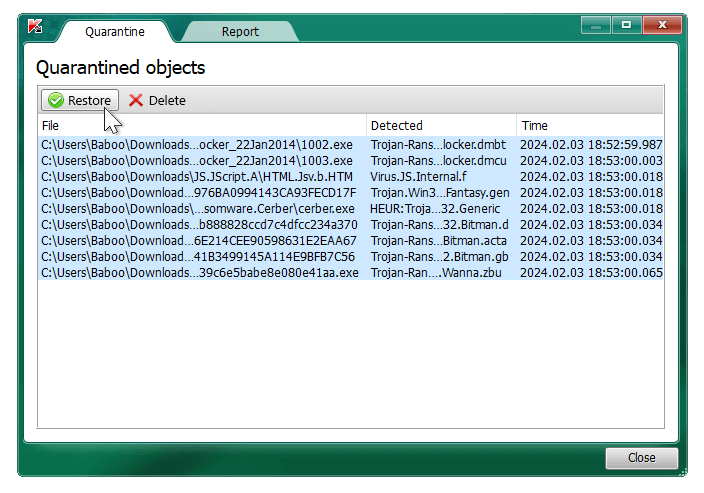
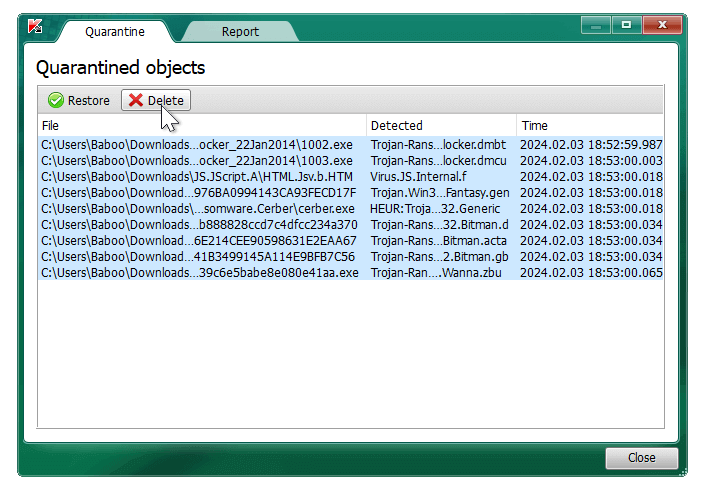
Para remover definitivamente os arquivos maliciosos detectados, você deve clicar em Quarentena:
Agora tecle CTRL+A para selecionar todos os arquivos, e depois clique no botão Delete para removê-los definitivamente:
Você quer realizar uma varredura adicional para garantir que seu Windows não está infectado? Então execute o TrendMicro HouseCall .